Skip to content

Ship Salesforce changes in hours, not weeks.

Sweep’s Build Mode agents read and understand your metadata before they deploy, so admins move faster and leaders get safer, auditable execution.

Stars
box-1

Trusted by leading companies

Salesforce builds handled by agents

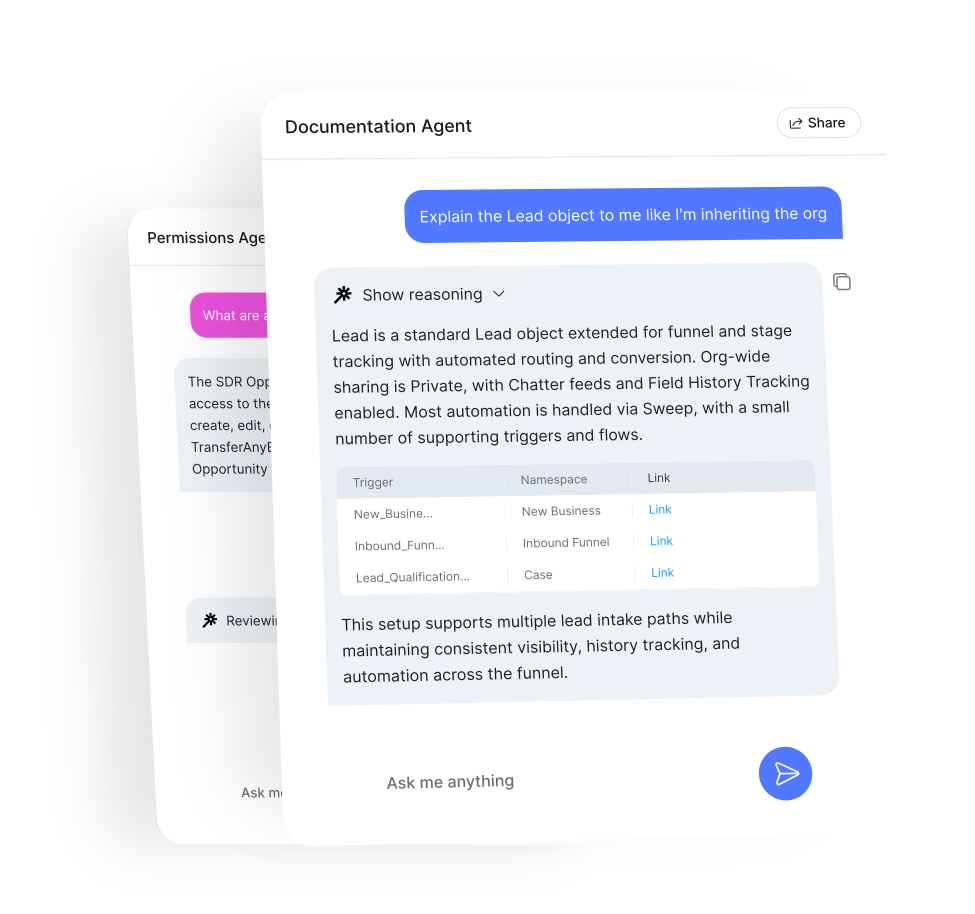
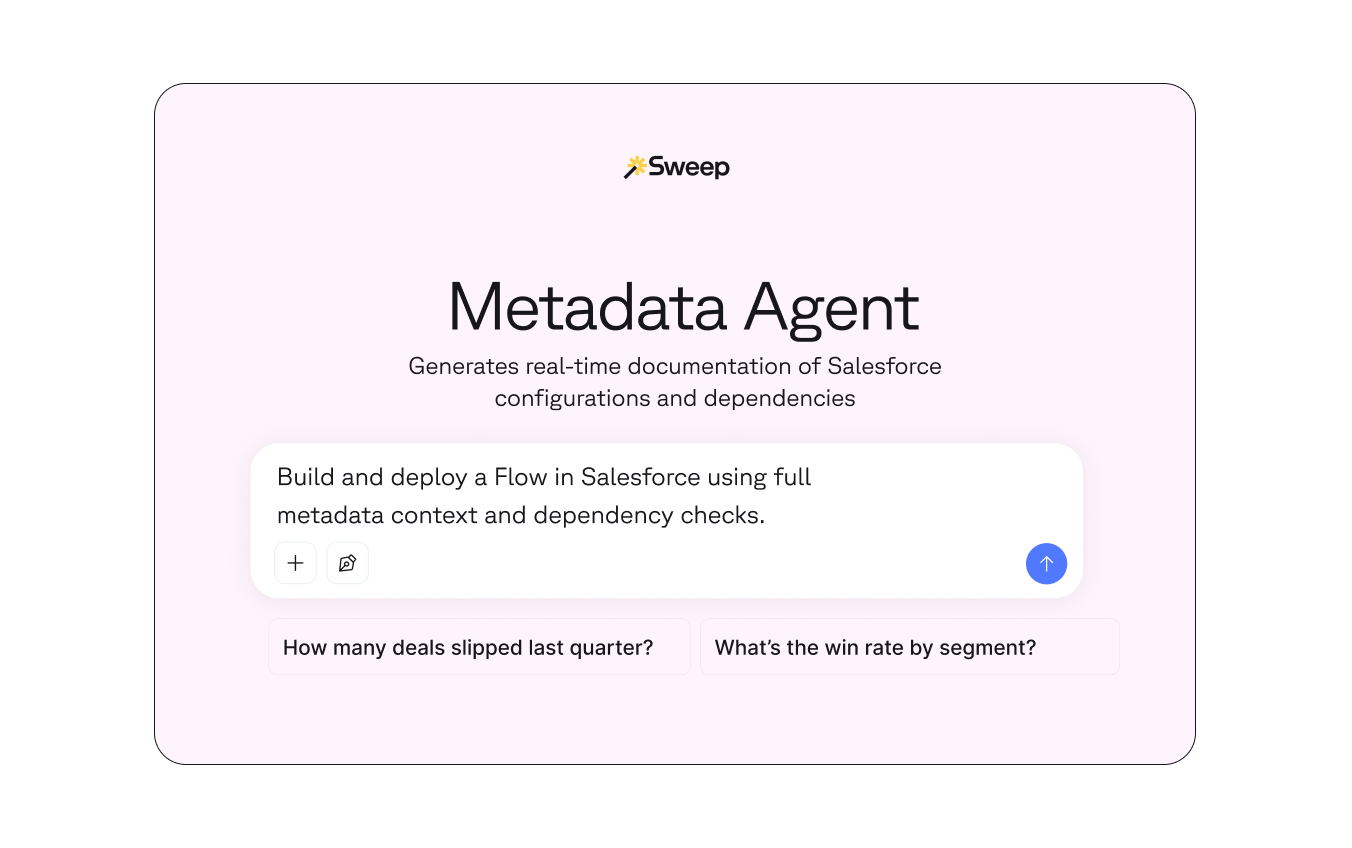
Sweep Build Mode turns Salesforce changes into agent-driven execution. Describe what you want, and metadata-aware agents handle the build safely inside your org.

  • 3–5× faster time from request to deployed change
  • 100% metadata-aware execution
  • 60–80% less manual effort to build and update Salesforce automation
  • 90% fewer post-deploy fixes caused by missed dependencies


Hero DT2-1

Built for every team that ships Salesforce changes

For lean teams

Requests pile up. Programs get blocked. You know what needs to be done… you just don’t have the time or help. Now, you can:

  • Auto-build Salesforce Flows, fields, layouts
  • Catch conflicts before they happen
  • Clear your backlog without burning out

For enterprise teams

Multiple teams build in parallel. Changes take weeks. Risk grows while pressure mounts to reduce total cost of system ownership. Now, you can:

  • Build with full system context, every time
  • Run dependency analysis before execution
  • Create safe, auditable changes

For systems integrators

Clients expect fast execution, but fragile builds, missed dependencies, and rework put outcomes (and relationships) at risk. Now, you can:

  • Deploy metadata confidently across complex orgs
  • Reduce rework with dependency-aware execution
  • Deliver faster without compromising quality
bundle-2

Your backlog isn’t going to clear itself.

Describe the change. Build Mode agents scope it, check for conflicts, and deploy it — while you move on to the next ticket.

Small Image (6)-1

Describe the change

Tell the agent what you want to build — migrate a workflow, add a field, update a layout, or ship a flow.

Small Image (4)-1

Plan with full context

The agent scopes the build, identifies impacted objects and fields, defines logic and triggers, and flags anything missing or unclear.

Small Image (5)-1

Check for conflicts

Before anything ships, the agent reviews existing flows, rules, and automation to prevent overlaps and unintended impact.

Small Image (7)-1

Build and deploy

The agent creates the metadata, deploys it directly to your Salesforce org, and confirms the change is live.

Frequently asked questions

What is Sweep’s Metadata Agents Build Mode, exactly?

Build Mode is Sweep’s Agentic Layer execution layer — an agent-powered system that can create and deploy real Salesforce metadata directly into your org. Unlike tools that only document, analyze, or recommend changes, Build Mode actually builds and ships them.

When Build Mode is enabled, metadata-aware agents can:

  • Create Salesforce Flows (including workflow rule conversions)
  • Deploy custom fields with proper permissions
  • Update page layouts, reports, picklists, and record types
  • Validate changes against existing automation before deployment

What makes Build Mode different is context. Agents don’t operate in isolation or based on static rules. They read your org’s metadata — objects, fields, flows, workflows, triggers — and understand how everything connects before making changes. That means every build is intentional, dependency-checked, and aligned with how your system already works. Build Mode is the foundation for Sweep evolving from “understanding Salesforce” to operating Salesforce safely, transparently, and at scale.


How is this different from Salesforce documentation or analysis tools?

Most Salesforce AI tools stop at insight. Build Mode actually executes the change.

Documentation tools:

  • Map metadata
  • Highlight issues
  • Surface recommendations

Build Mode:

  • Writes metadata
  • Deploys it to Salesforce
  • Confirms successful execution

The key difference is that Build Mode is metadata-aware and action-capable. Agents don’t just read your org — they operate within it.

For example, when migrating a workflow rule to a flow:

Documentation tools tell you which workflows exist. Analysis tools may suggest a flow structure. Build Mode creates the flow, checks for overlapping automation, deploys it, and confirms success. This removes the manual handoff between “understanding” and “doing,” which is where most Salesforce risk and delay actually lives.

How does Build Mode prevent breaking existing automation?

Build Mode agents do not deploy changes blindly. Before anything is built, agents scan existing flows, workflow rules, triggers, and automations; identify potential overlaps or conflicts; surface risks before execution; ask clarifying questions if something is ambiguous. This dependency-aware approach is critical in mature Salesforce orgs where multiple teams have touched the system over time. Instead of discovering conflicts after deployment—when users start reporting issues — Build Mode catches them before anything ships.

How does Build Mode handle enterprise-size complexity?

Build Mode was designed for orgs where multiple teams build in parallel, legacy automation is everywhere, documentation is sparse, and there is high risk from unintended changes. Build Mode addresses this by combining: full metadata awareness, pre-deployment dependency checks, human-in-the-loop approval, auditable execution. Nothing is deployed without visibility. Teams can review what’s being built, understand impact, and approve execution before changes go live. This makes Build Mode suitable not just for admins, but for CIOs, IT leaders, and governance-conscious organizations looking to reduce risk while increasing velocity.

Who is Build Mode designed for?

Build Mode is designed for two core audiences. First, teams of one or small teams managing growing systems, people buried under backlogs and modernization work, admins who know what needs to change but lack time or support. For them, Build Mode is leverage — help that actually ships work. Second, leaders responsible for system stability and scale, teams under pressure to reduce hiring and TCO, and organizations exploring AI for control. For them, Build Mode is a way to let AI operate inside guardrails.

Is Build Mode replacing admins or developers?

No. Build Mode is not about replacement — it’s about amplification. Admins and developers still define intent, approve changes, and own system outcomes. Build Mode handles the execution work that slows teams down: rebuilding logic, migrating automation, applying permissions, making repetitive but risky changes. Think of Build Mode as a force multiplier: admins move faster, developers focus on higher-impact work, leaders get safer, more predictable changes.

Every day you wait, your backlog grows.

Book a demo

See how Build Mode clears tickets faster than they're created.